
Where to Watch
A simple destination to quickly find where movies and shows are streaming across platforms you already use.
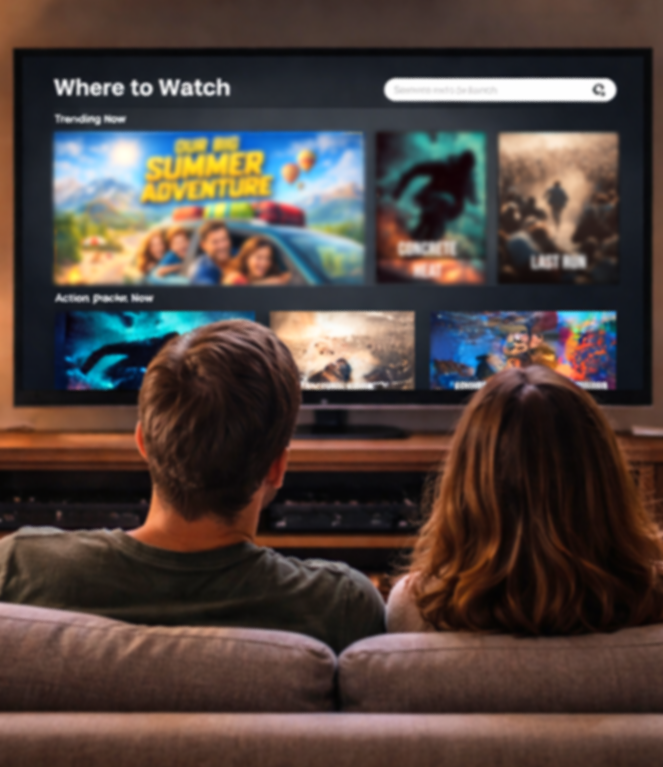
With dozens of streaming platforms available, users often know what they want to watch—but not where to find it.
Where to Watch simplifies that moment by helping users quickly discover where movies and shows are streaming based on their subscriptions, without hopping between apps.
Project Details
Title: Where to Watch
Role: Solo UX Designer
Timeline: December 2025 - January 2026
Platform: Responsive Website
Tools: Figma, Google Drive
Methods: User Interviews, Wireframes, Prototyping, Usability Feedback
Defining the Problem
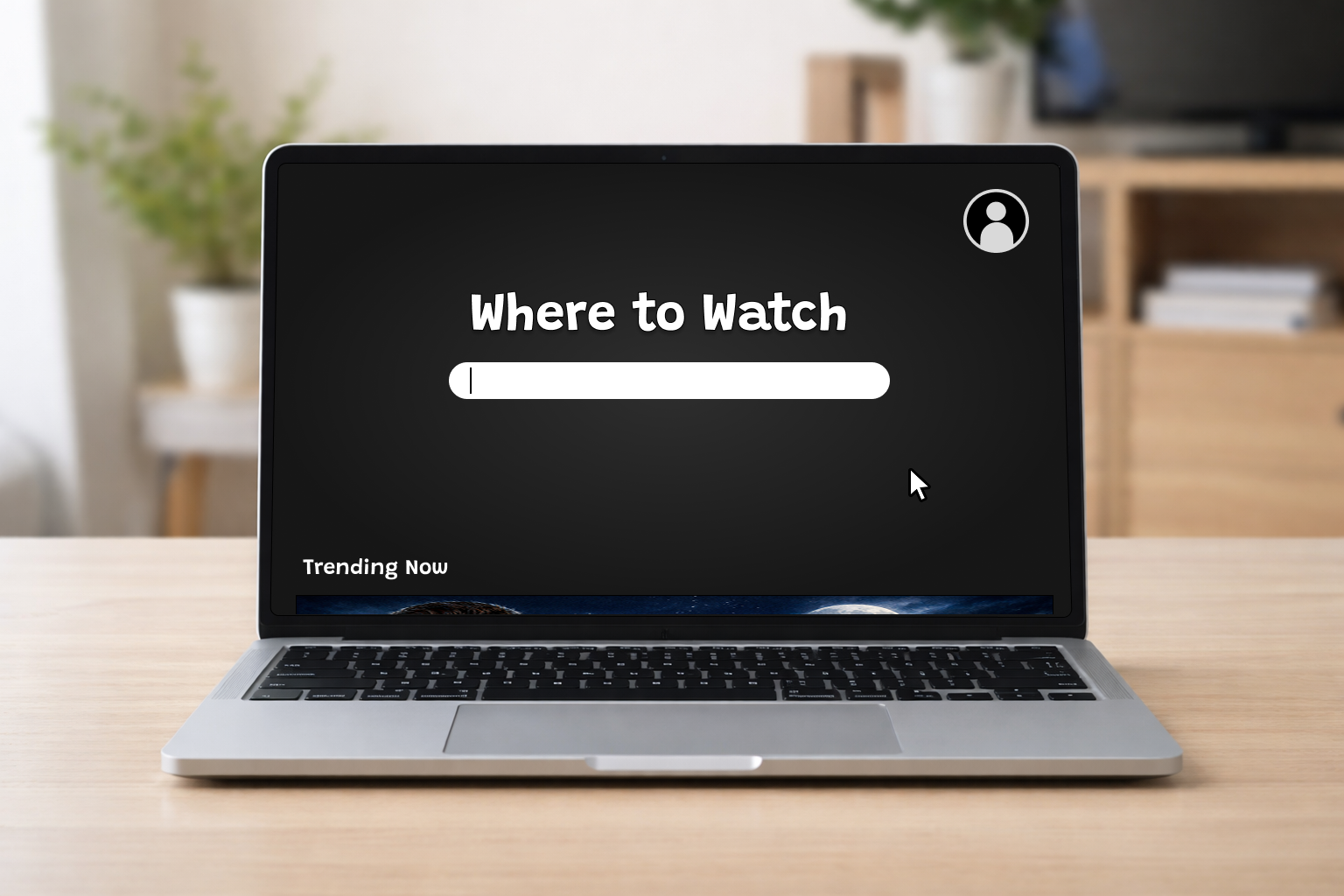
As streaming options continue to grow, users are increasingly faced with the challenge of finding where their favorite shows and movies are available. With so many platforms in the mix, it’s easy to become overwhelmed by inconsistent search results and content locked behind unexpected paywalls.
For this project, I set out to design a website that users of all ages could easily navigate to discover where content is streaming. To better understand the problem space, I interviewed current streaming-platform users and mapped out their pain points, allowing me to identify common frustrations and unmet needs in existing solutions.
Meet Our Users

A frequent streamer who values speed and clarity, Maya wants to quickly find where a show is available without bouncing between apps. If the process takes too long, she defaults to familiar content instead.
Maya Thompson

Budget-conscious and subscription-savvy, Tom needs a clear way to see which platforms offer a title for free or without extra fees. He wants transparency upfront before committing to watch anything.
Tom Alvarez

Linda Watkins
A low-tech user who enjoys simple, familiar experiences, Linda finds navigating multiple streaming platforms overwhelming. She needs a straightforward, clutter-free way to locate content without confusion or ads.
Pain Points
Complex information architecture
Time wasted switching between platforms
Inaccurate search results
Unclear paywalls or pricing
Problem Statement
As streaming platforms continue to multiply, users struggle to quickly and confidently find where a movie or show is available to watch. Inconsistent search results, unclear pricing, and overwhelming interfaces lead to frustration, wasted time, and users defaulting to familiar content instead of discovering something new.
Where To Watch’s Goal
To design a simple, reliable tool that helps users quickly identify where a movie or show can be streamed without confusion, hidden paywalls, or unnecessary steps.
Paper Wireframes
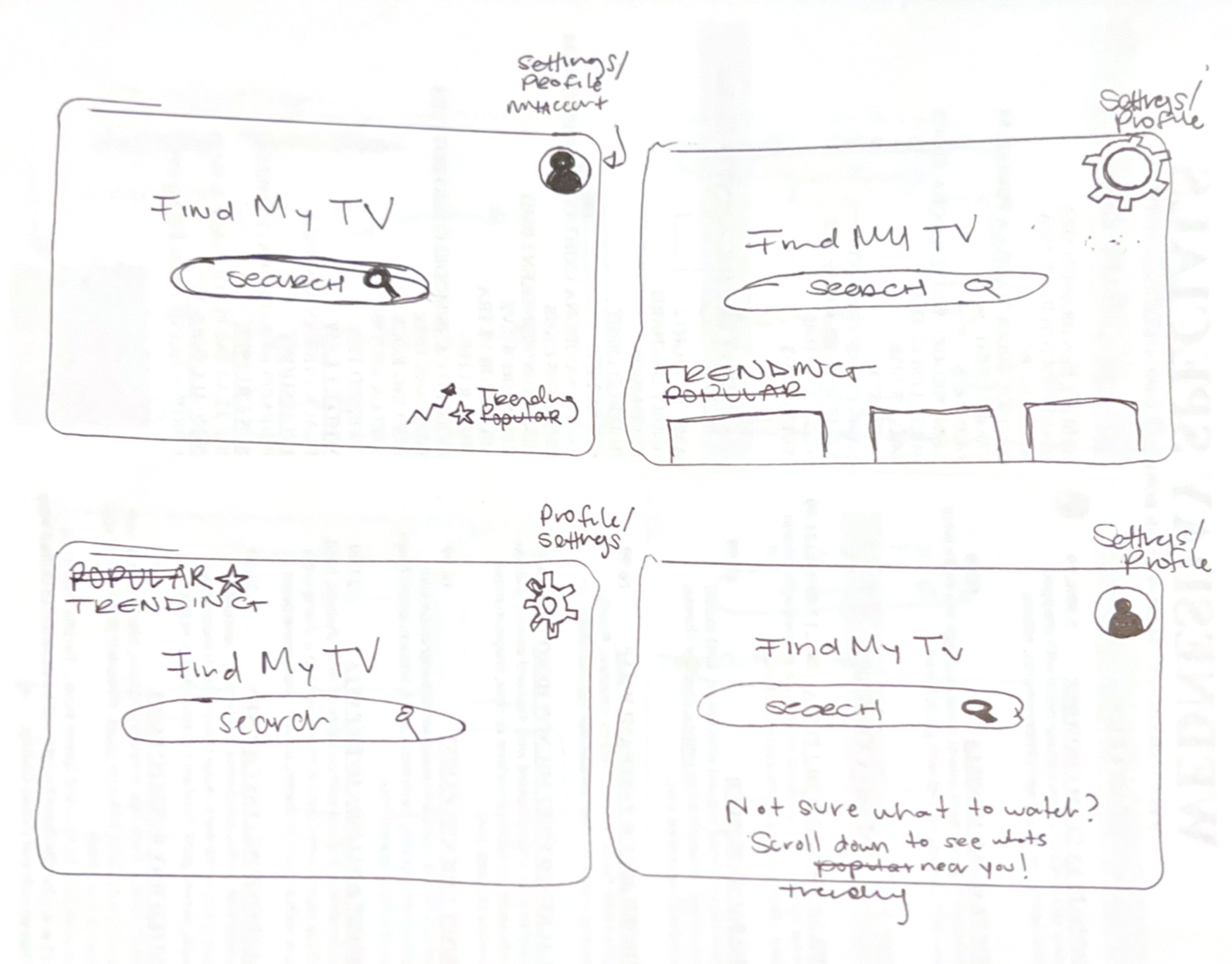
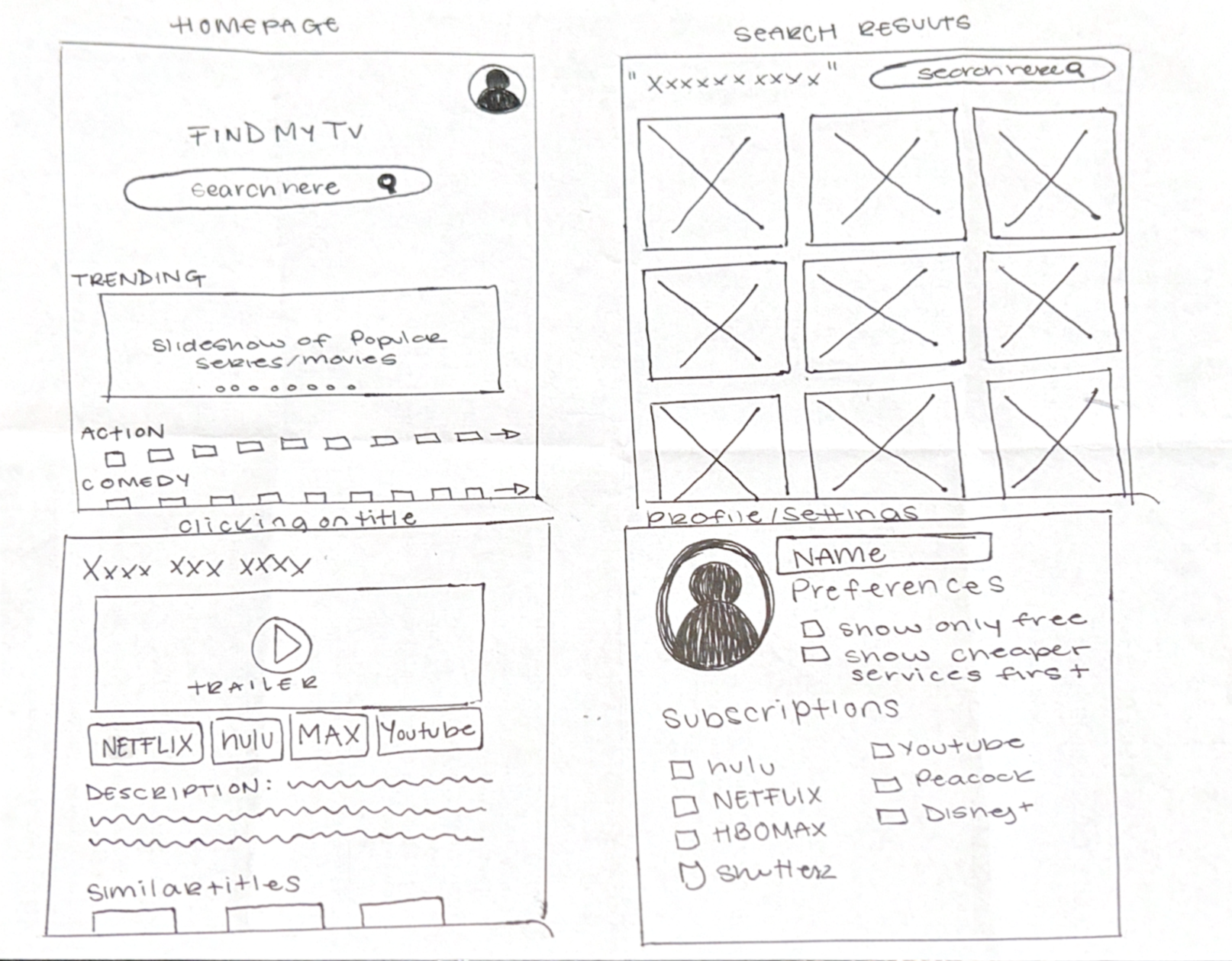
I began the design process by sketching low-fidelity paper wireframes to quickly explore layout ideas and user flow. This helped me focus on core functions such as searching, filtering, and viewing streaming availability—before committing to digital designs.
Working with paper allowed me to iterate quickly, remove unnecessary elements, and prioritize clarity early in the process.
By creating multiple designs of the same screen, I was able to find what worked best with each iteration.

Digital Wireframes & Lo-Fi Prototype
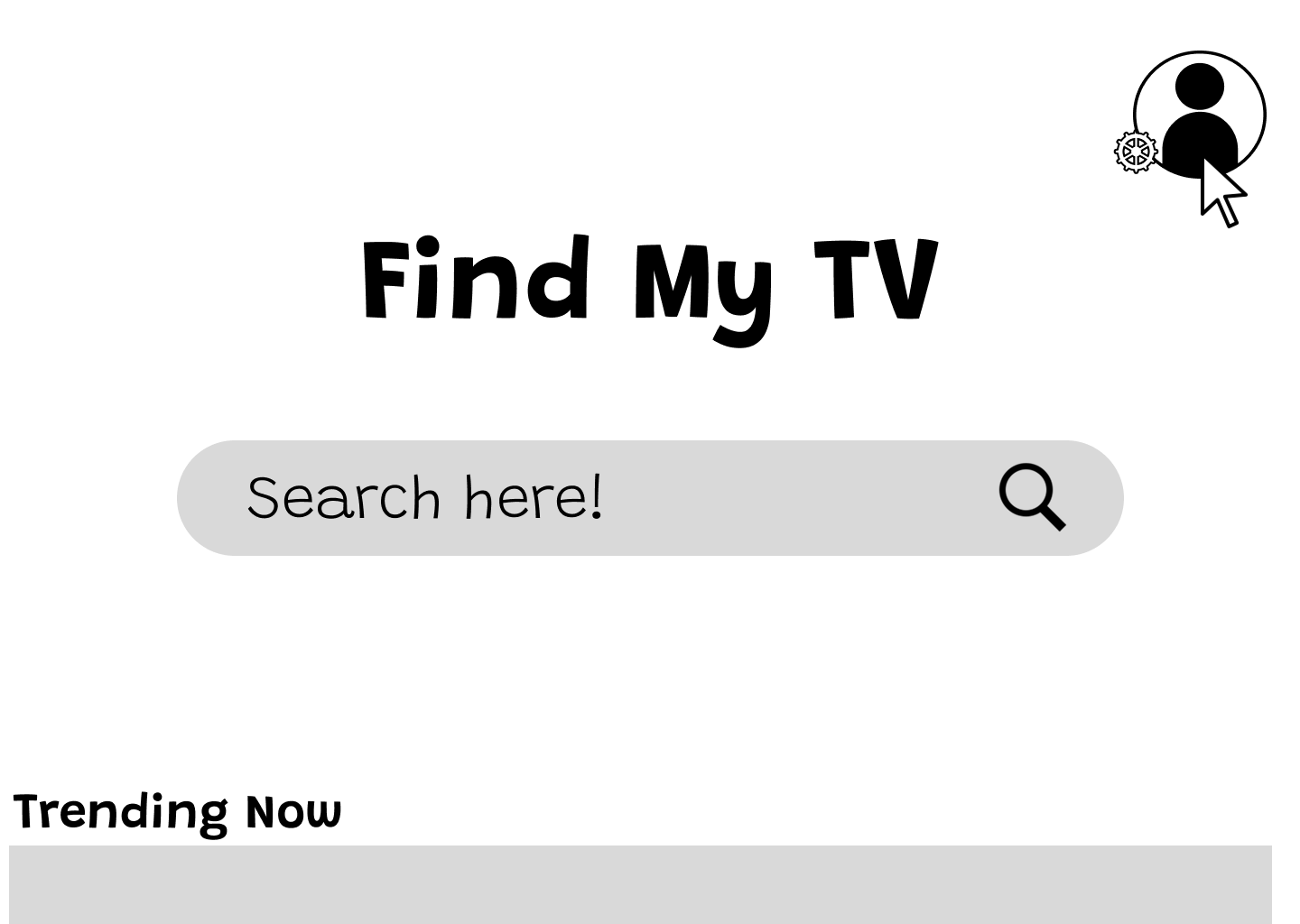
Using my paper wireframes as reference, I created digital wireframes and a low fidelity prototype to test layout, navigation, and core user flows.
This allowed me to prioritize what content needed to be visible immediately and ensure the experience felt familiar and easy to navigate before moving into high fidelity design.
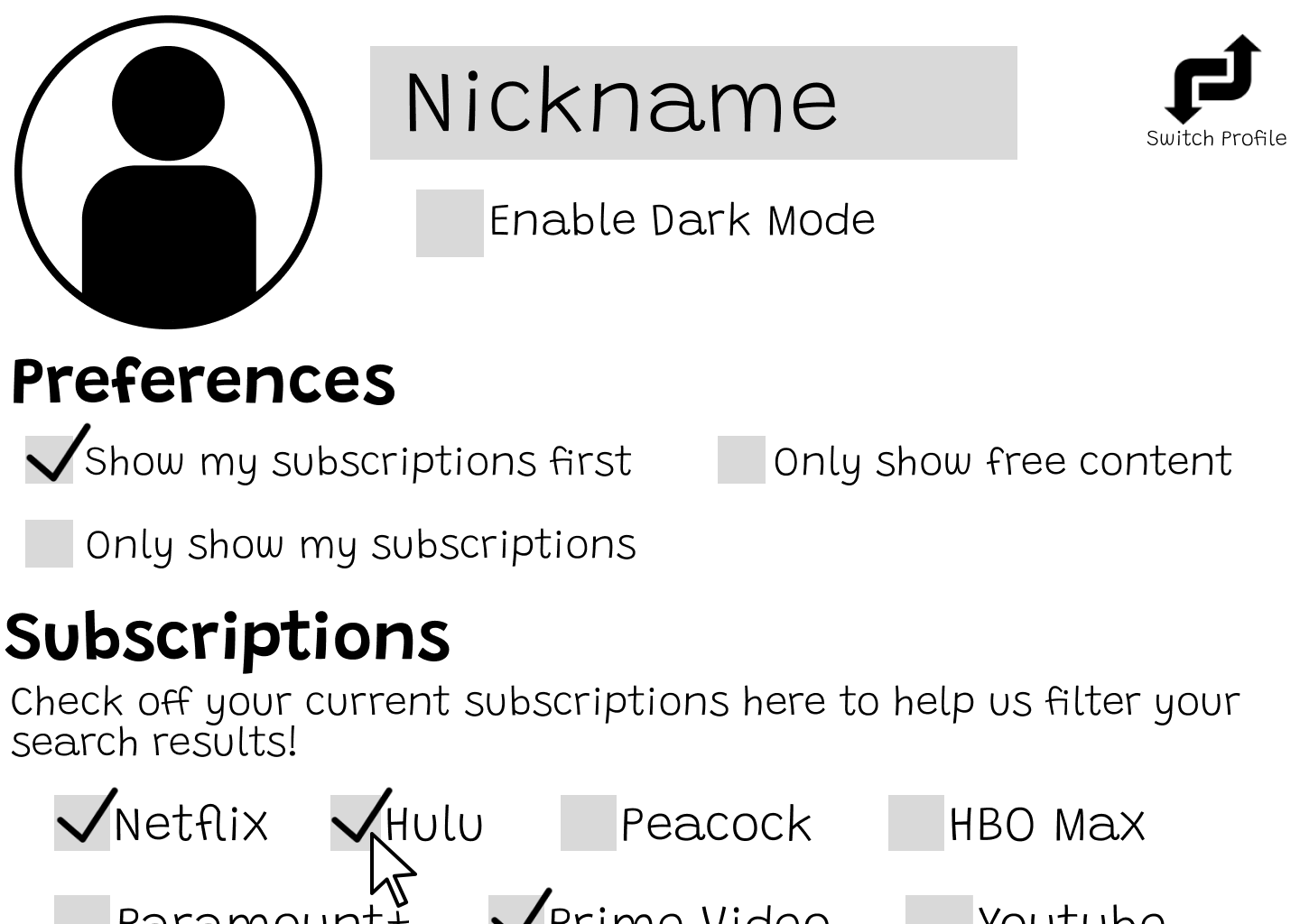
Users can select their current streaming subscriptions to filter results. This reduces frustration caused by hidden paywalls and unavailable content.
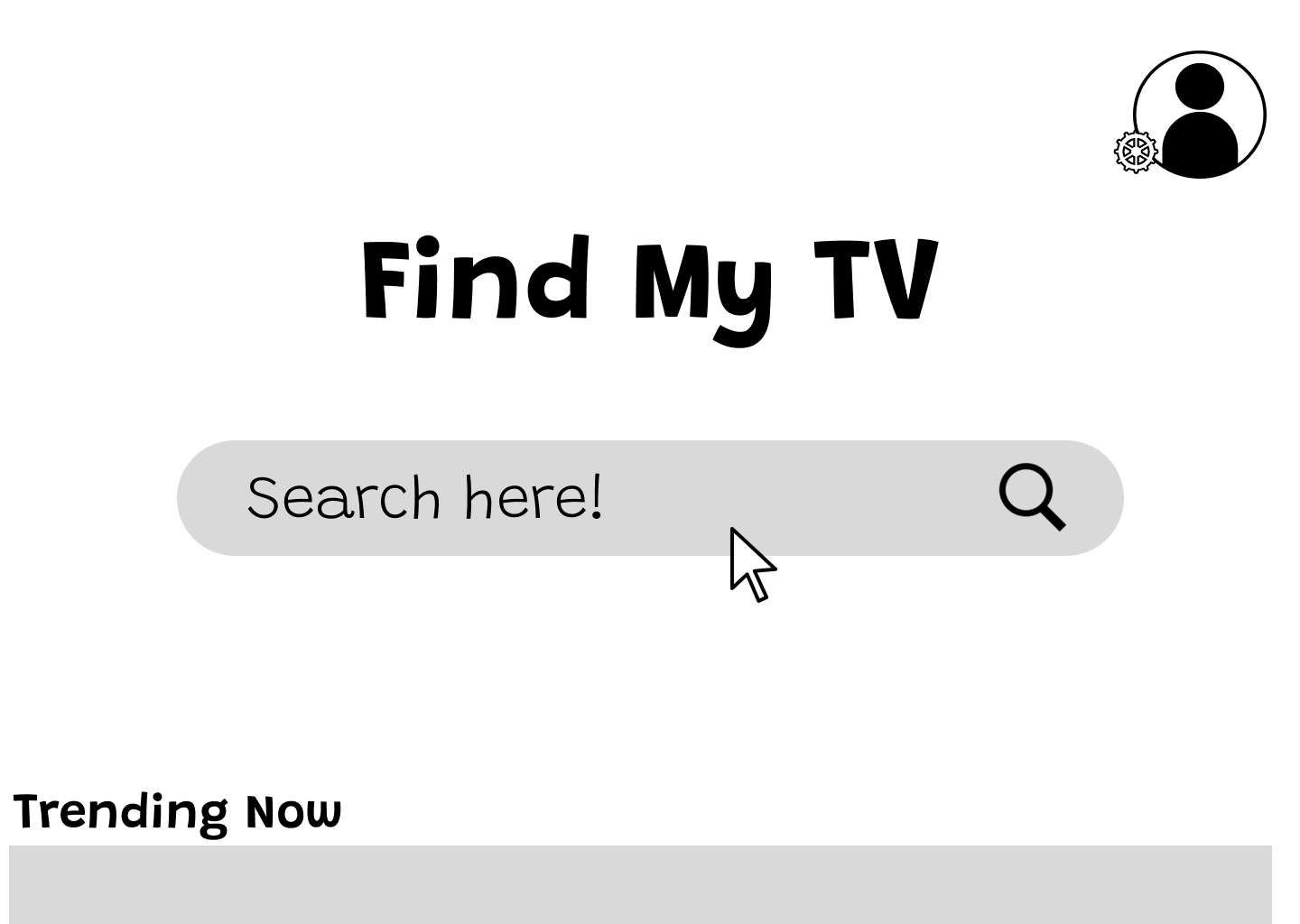
The homepage prioritizes familiarity and clarity. By focusing on a single primary action, searching for a title, users can begin immediately without distractions.
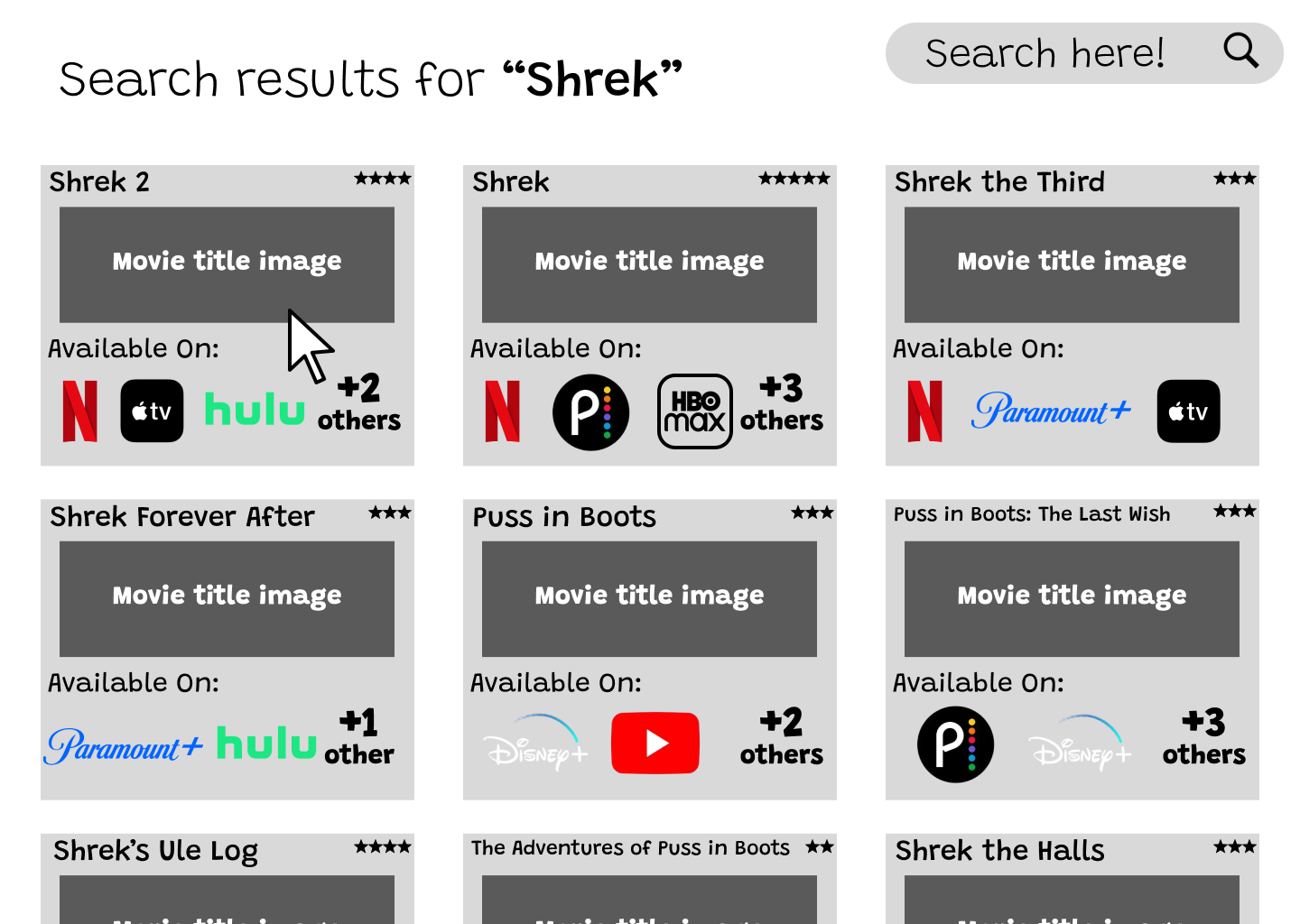
Search results encourage exploration while keeping the interface familiar
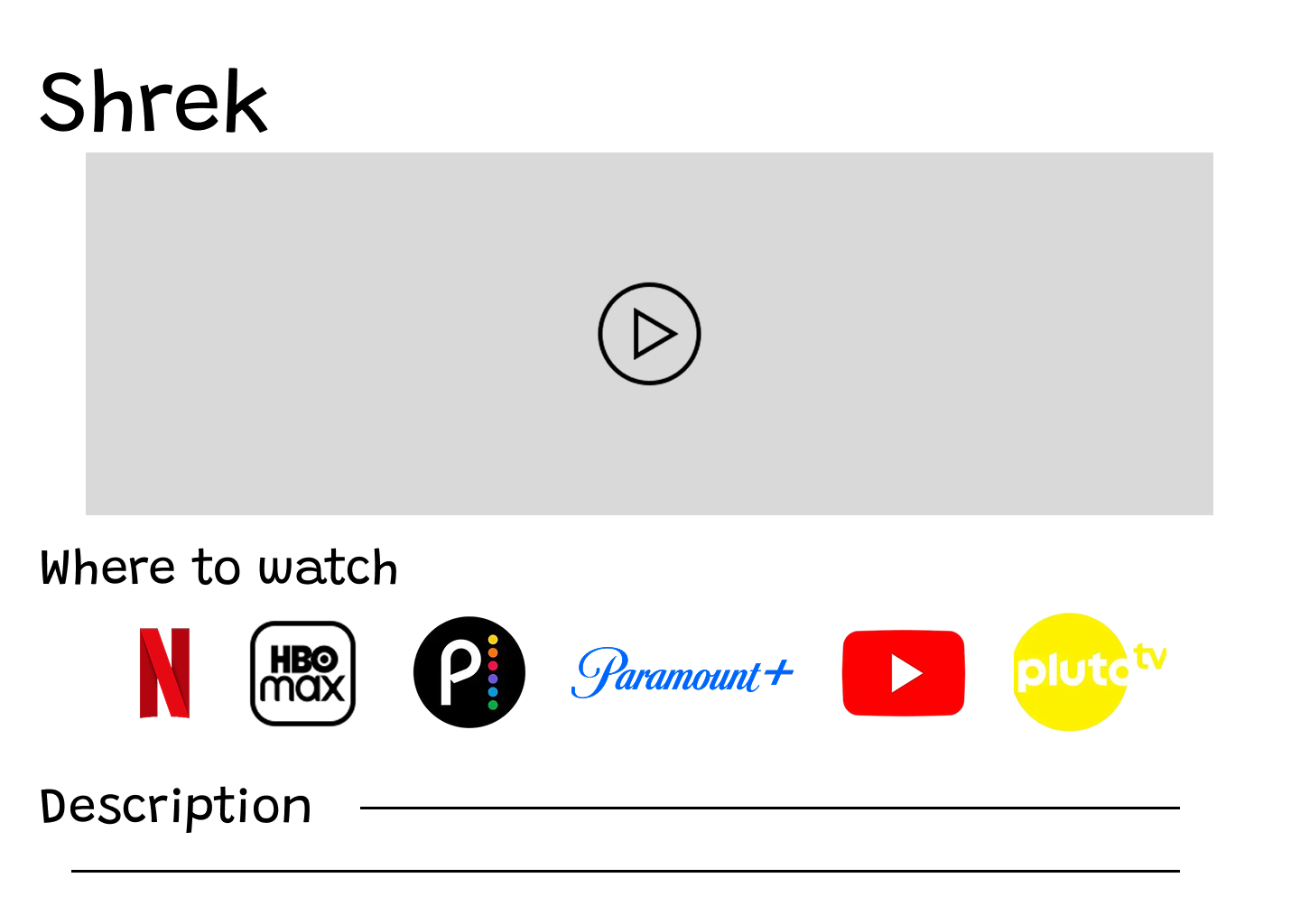
Selecting a title reveals all available platforms, allowing users to navigate directly to their preferred service.
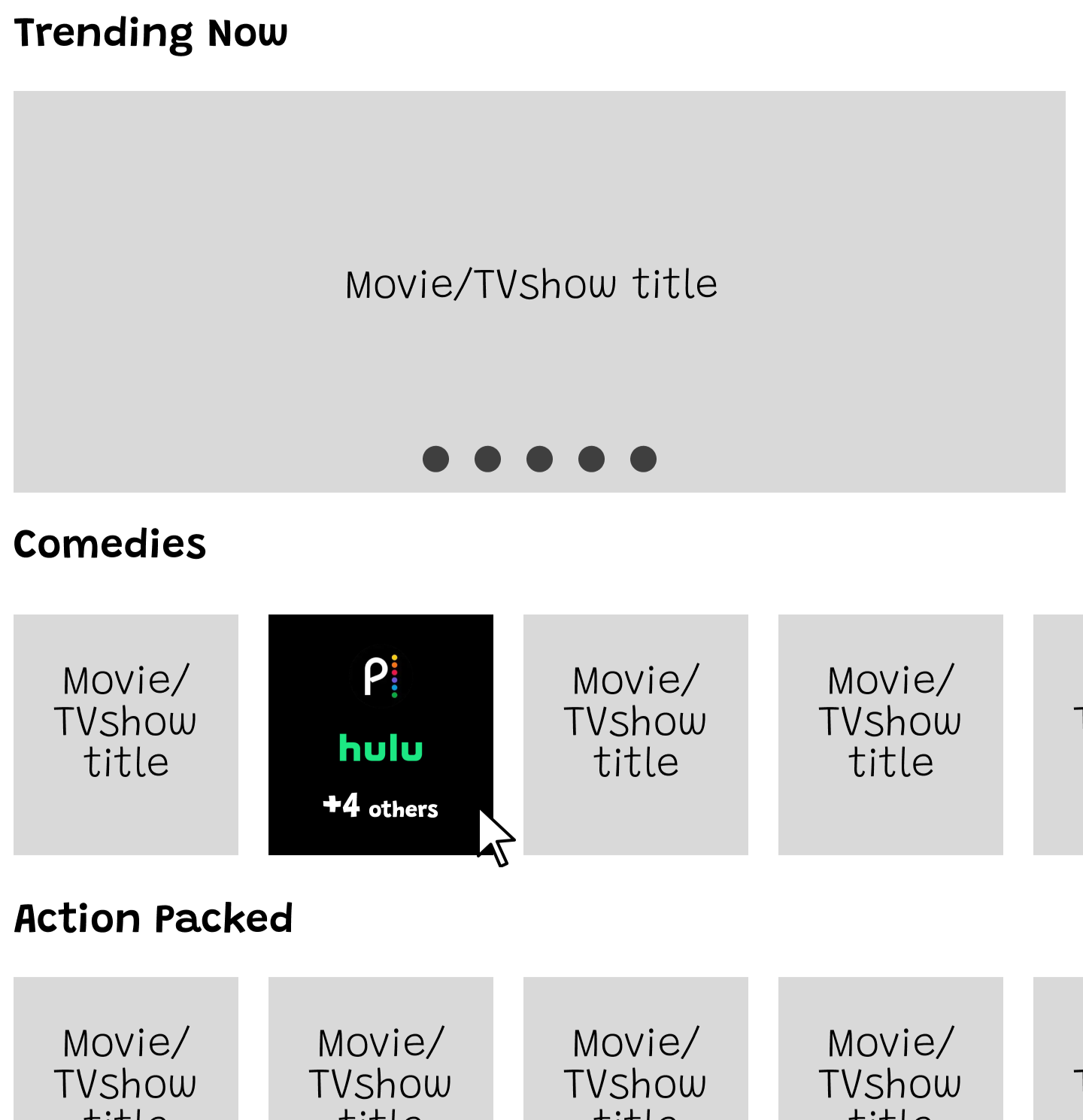
Movies are organized by category to support casual browsing. This allows users to discover content even when they are unsure what they want to watch.
Hovering over a title reveals where it is available to stream. This removes the need to click into multiple platforms to find viewing options.
Hi-Fi Prototype & Final Design
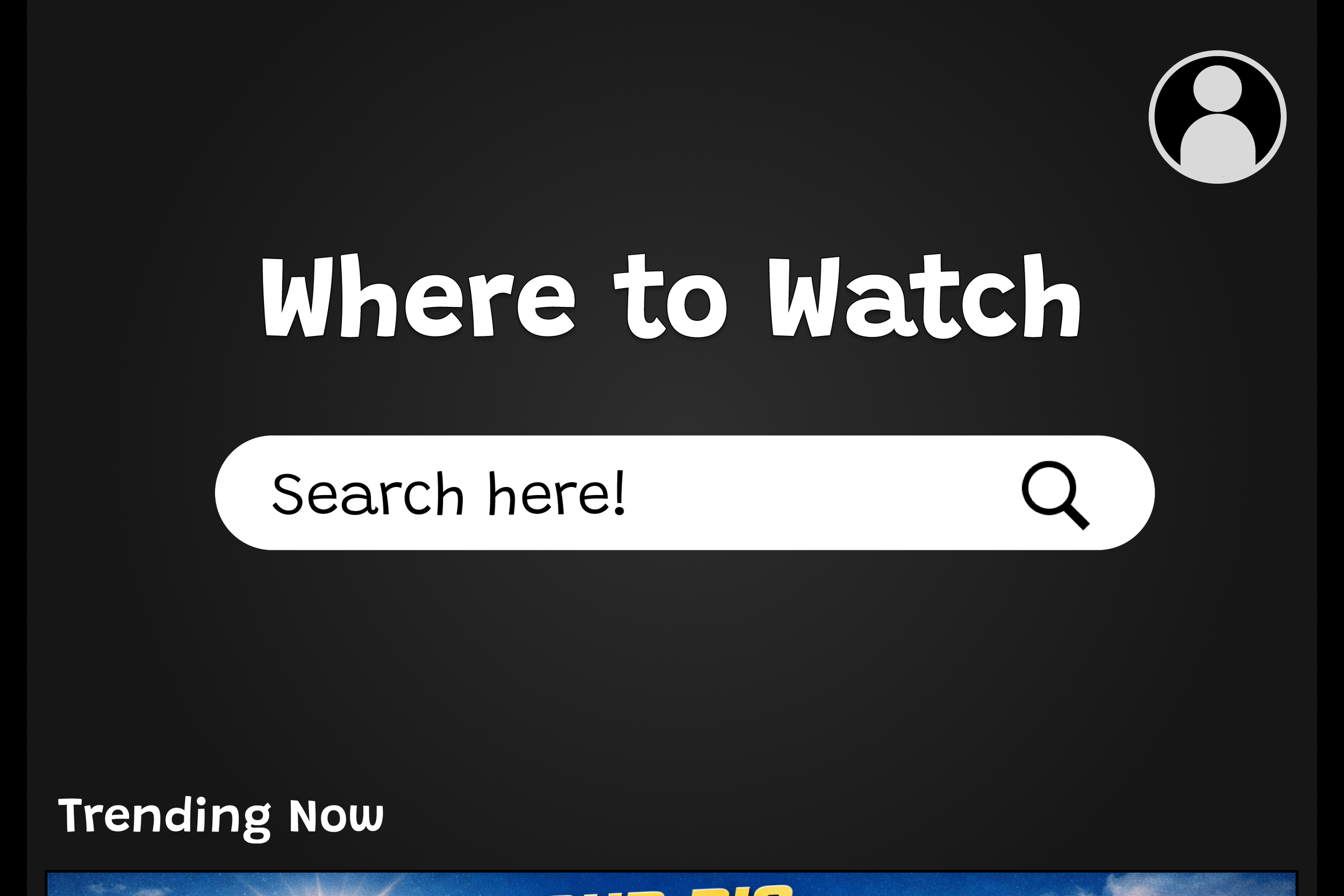

Homepage
After validating layout and user flow with low fidelity prototypes, I moved into high fidelity design. This stage focused on visual clarity, consistency, and creating an interface that feels familiar while remaining easy to navigate.
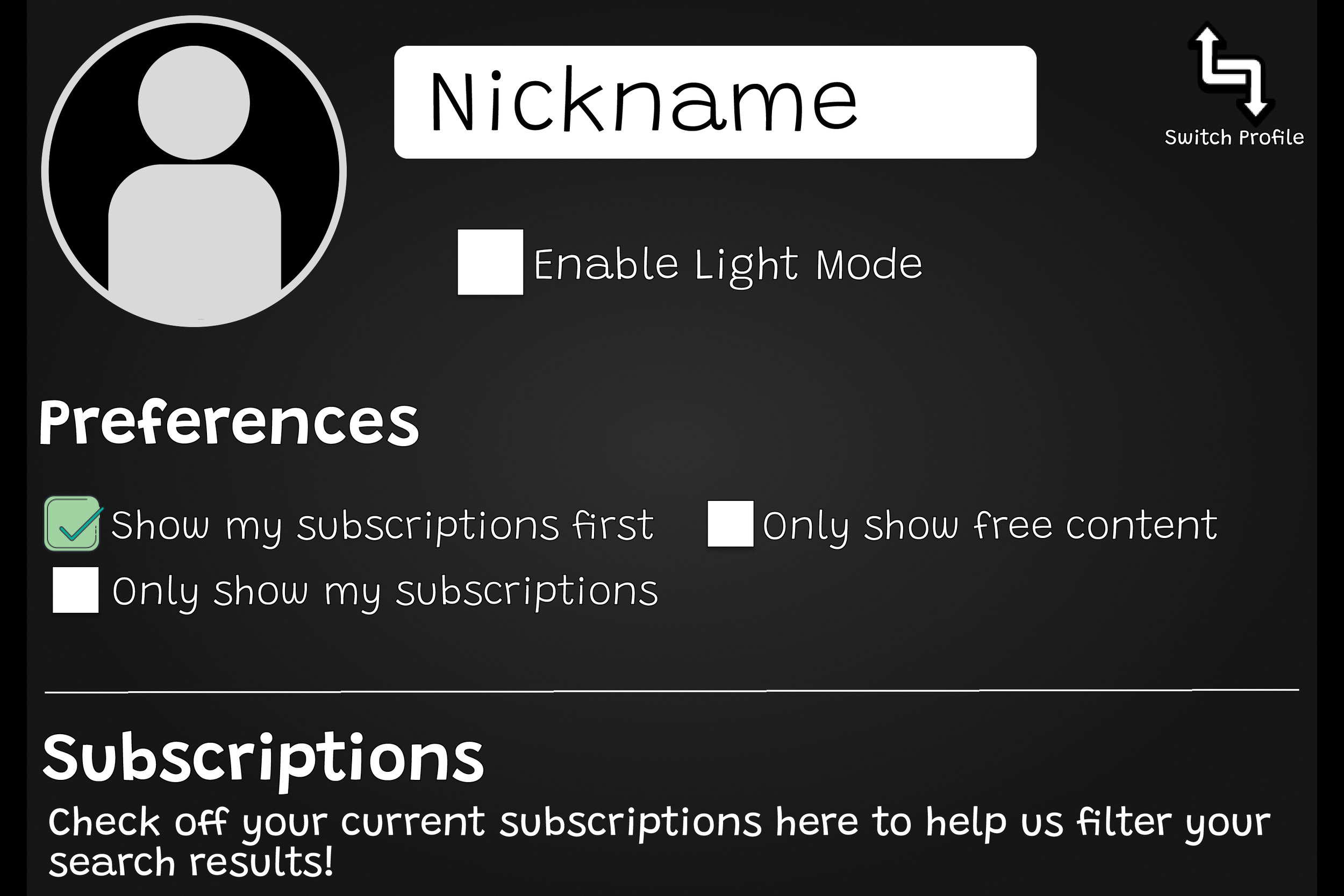
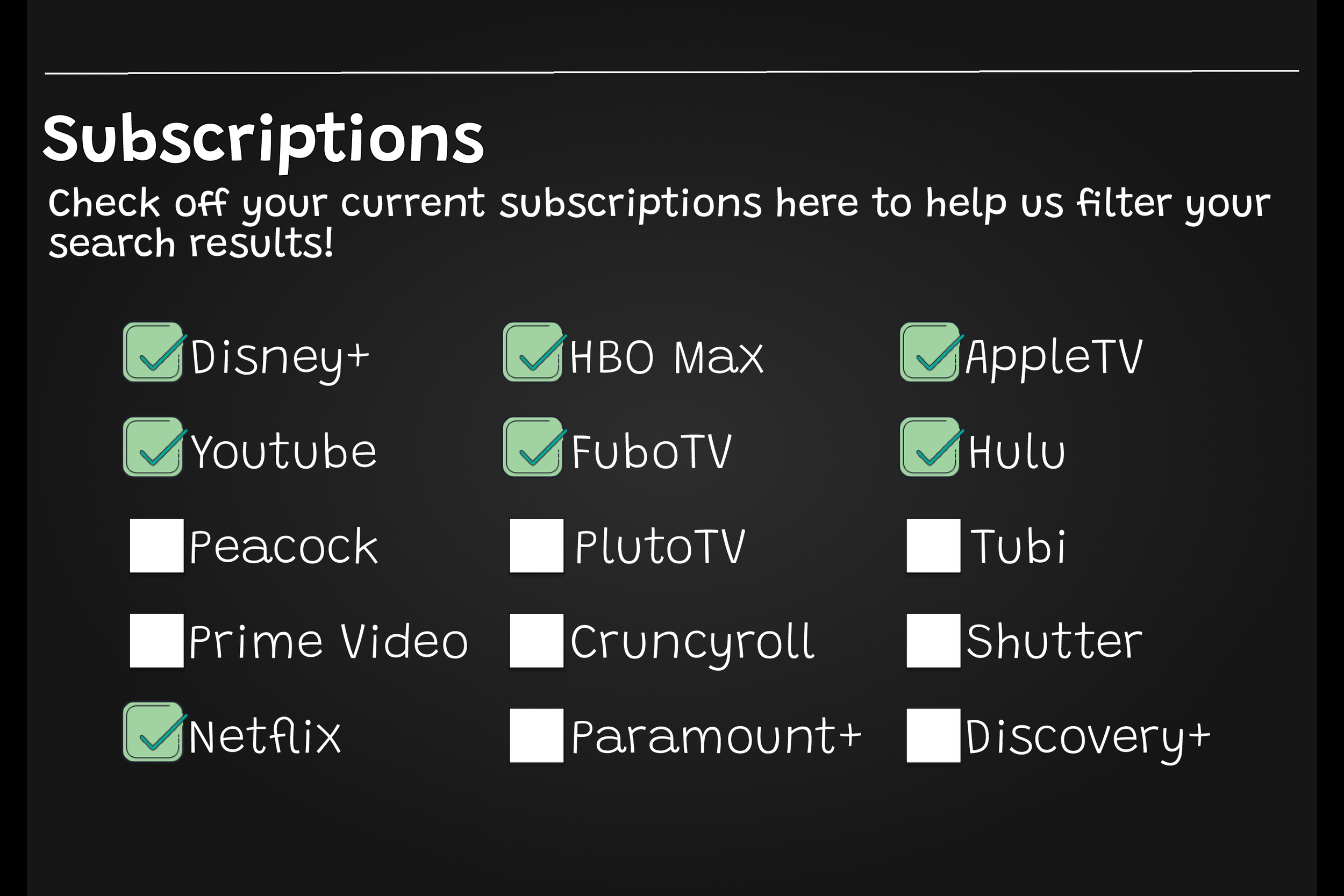
Account Page
Users can manage their preferences and subscriptions from one single page to personalize search results and avoid unreliable content.
Search Bar
The search bar is always accessible, encouraging quick results for users regardless of where they are.
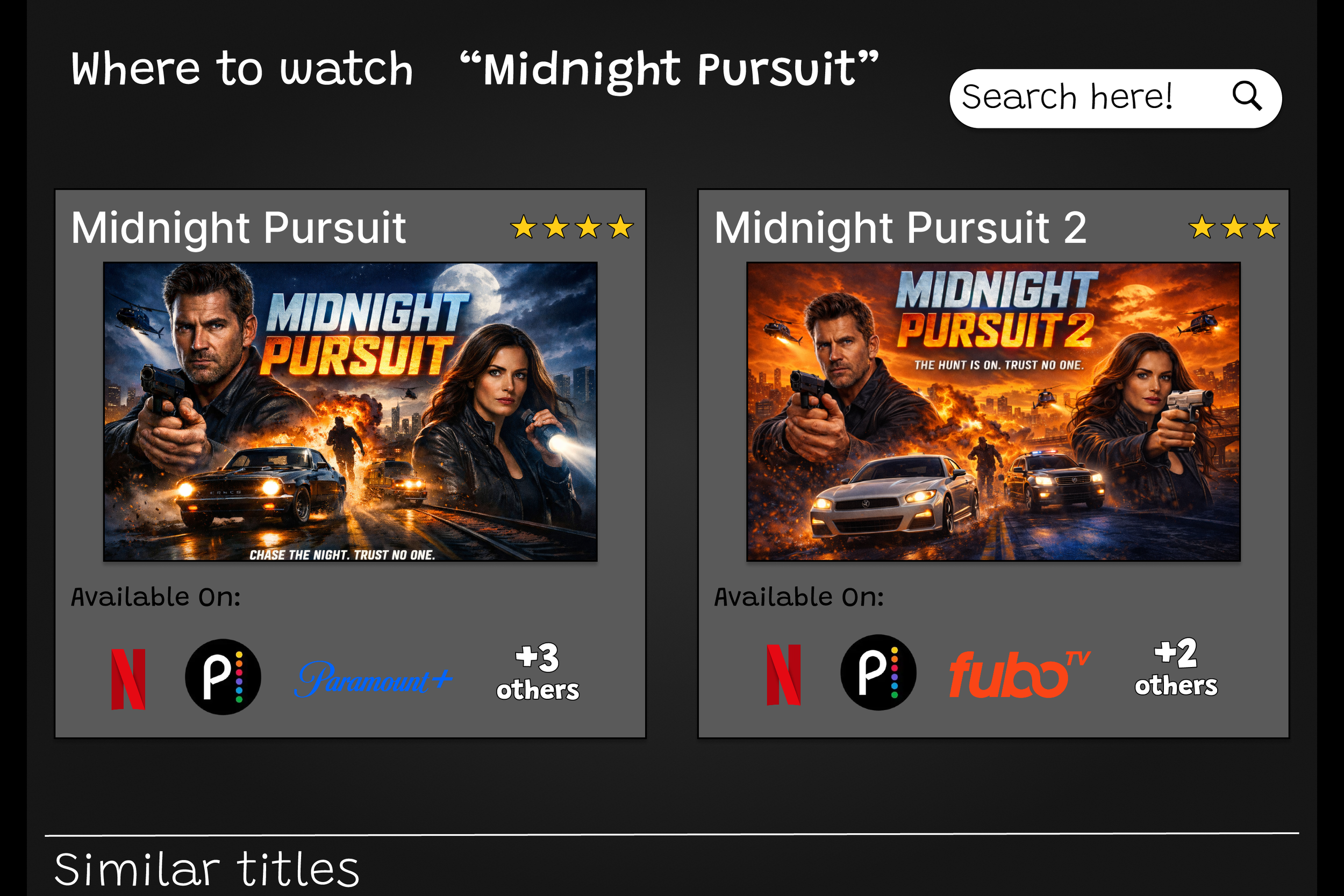
Search Results
The search bar is always accessible, encouraging quick results for users regardless of where they are.
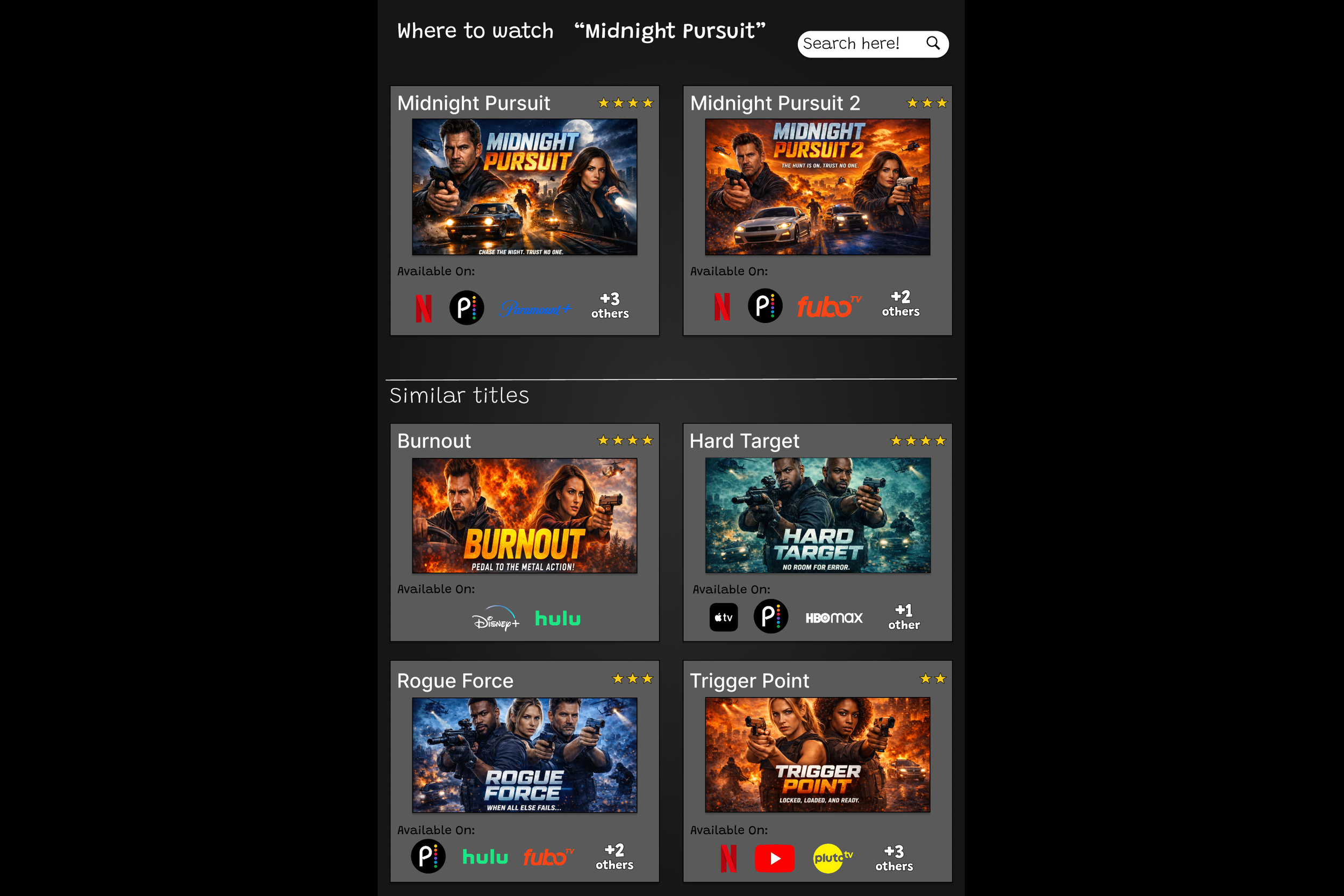
Similar titles appear directly below search results
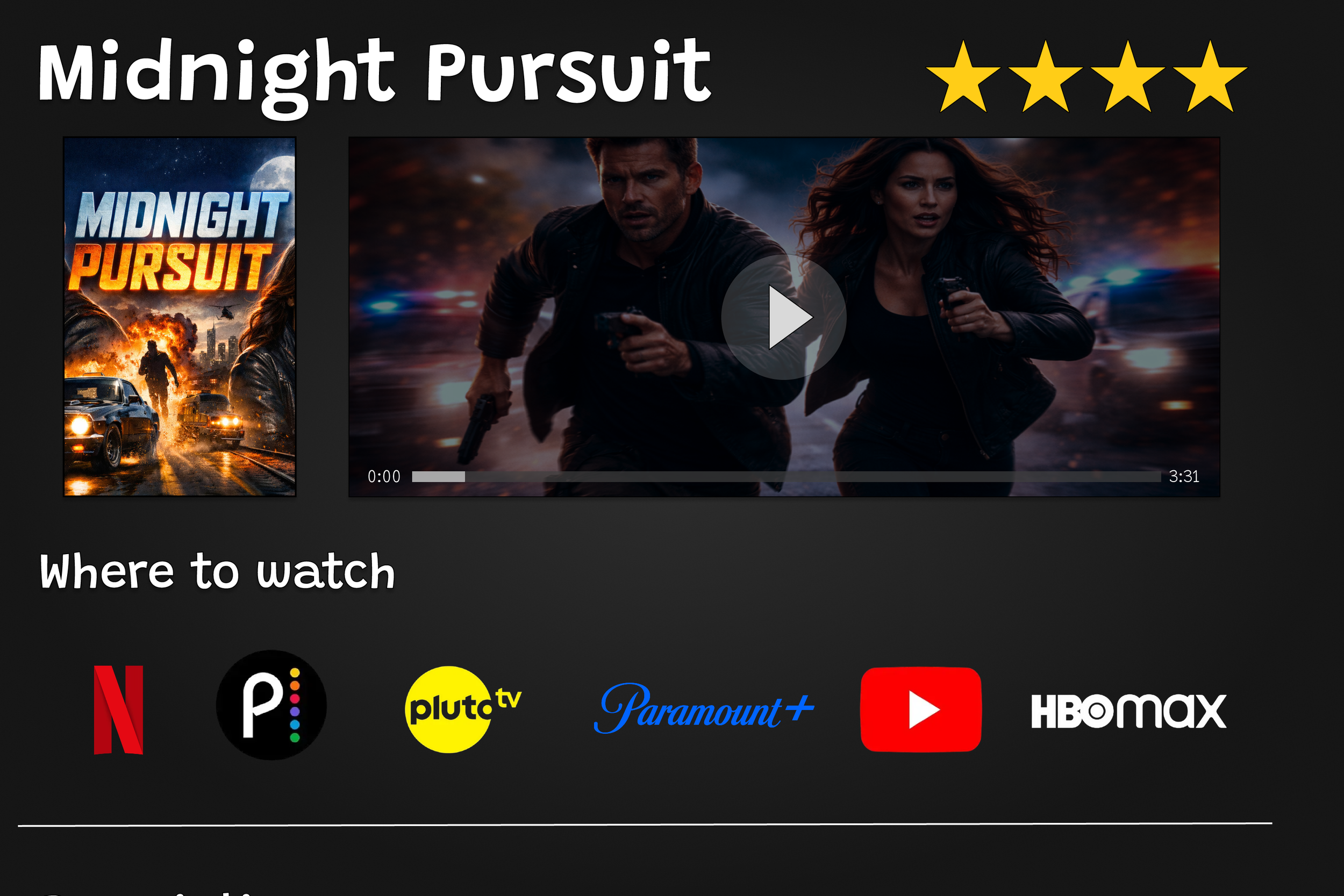
Movie Details
The detail view consolidates all streaming options in one place so users can navigate directly to their chosen service.
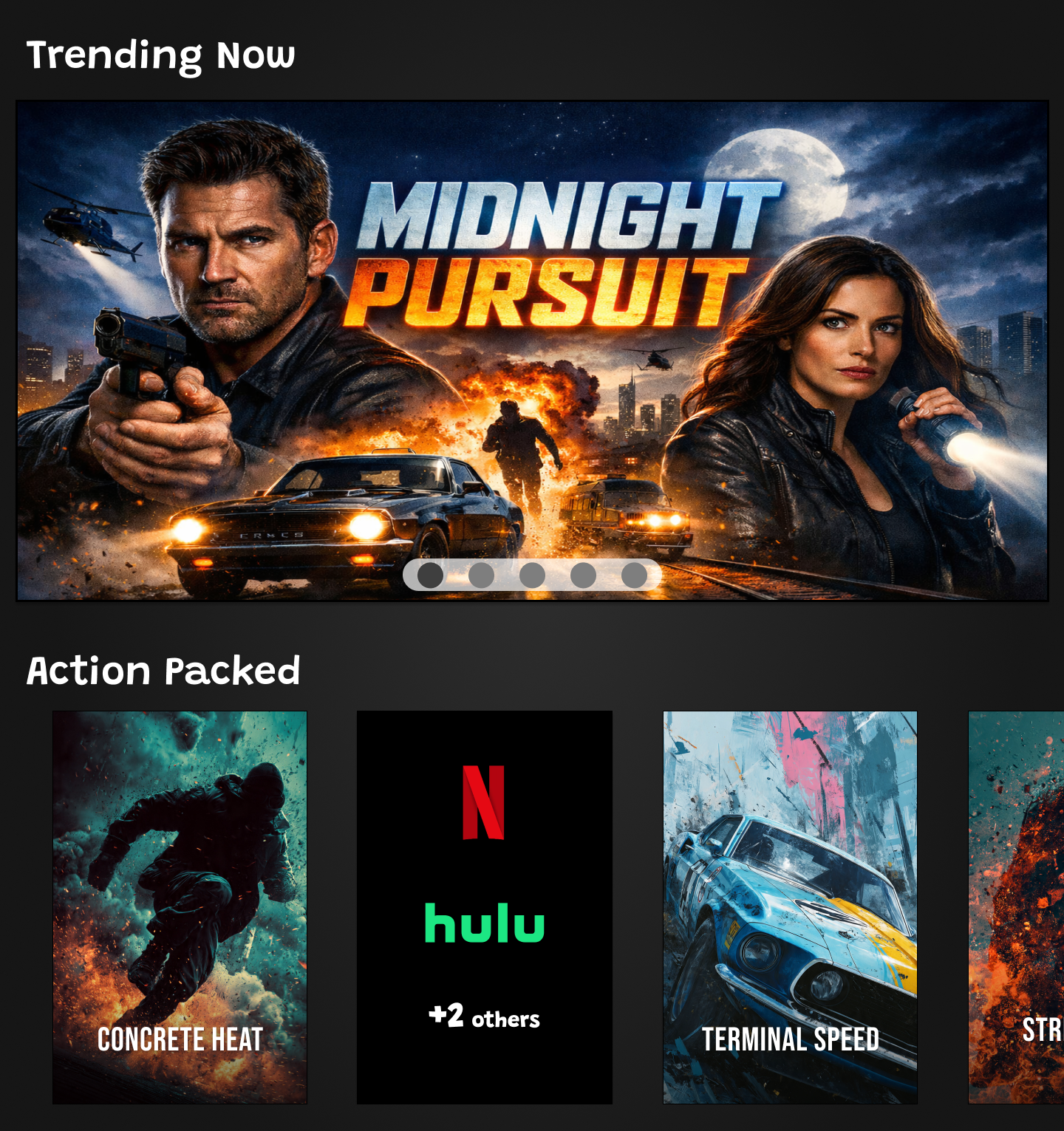
Continuous Content
Below the fold content on the homepage, is organized into clear categories to support casual browsing. Allowing users to explore titles while maintaining a simple and clear interface.
Key Takeaways
This project reinforced how important clarity and familiarity are when users feel overwhelmed by choice. By focusing on common viewing behaviors and reducing unnecessary steps, I was able to design an experience that helps users quickly understand their options without friction.
Starting with low fidelity wireframes allowed me to prioritize structure and flow before visual detail. Carrying those decisions into high fidelity design helped maintain consistency while improving usability and visual clarity. Overall, this project strengthened my ability to design intuitive interfaces that support confident decision making.
The Next Steps
Advanced Account Features
User ratings
Watch later list
Ability to send movies/shows to other users
Expanded Selection of Services
Recommended for you section
More categories of titles